
Follow the goods.
Review incoming stock and outgoing goods. Follow kitchen-to-outlet transfers or warehouse dispatches in the appropriate workspace.
Receiving · Stock · DispatchFor the businesses that keep goods moving
Know what came in, what went out, and what needs your attention. Manage restaurant operations or wholesale distribution with a workspace built for your business, from your Android phone.
Already have a company account? Download and sign in.
New to AfiaLedger? Register in the app or talk to our team about assisted setup.
Less chasing. More clarity.
Review incoming stock and outgoing goods. Follow kitchen-to-outlet transfers or warehouse dispatches in the appropriate workspace.
Receiving · Stock · DispatchReview restaurant collections and reconciliation, or wholesale delivered sales, recorded payments and outstanding customer balances.
Sales · Collections · BalancesGive teams access to their work, route approvals to the right people, and follow actions through a timestamped audit history.
Roles · Approvals · Audit historyTwo workflows. The same attention to detail.
Choose the right company profile at setup. Your teams see the tools and terminology relevant to their work.
From ingredients to production output, branch stock and closing records.
For restaurant owners and teams managing outlets, kitchens and production centres.
Discuss restaurant setupFrom incoming commodities to customer orders, dispatch and payment records.
For commodity suppliers, bulk traders and distribution teams. No restaurant production screens.
Discuss wholesale setupOne connected operating record
Different businesses need different workflows. Both give the owner a view of saved company activity, with staff access matched to their responsibilities.
Record goods entering your operation, in the units your team uses.
Restaurant teams record production and outlet transfers. Wholesale teams review orders, dispatch goods and track delivery.
Reconcile restaurant collections, or review wholesale payment records and unpaid customer balances. Payment recording is not payment processing.
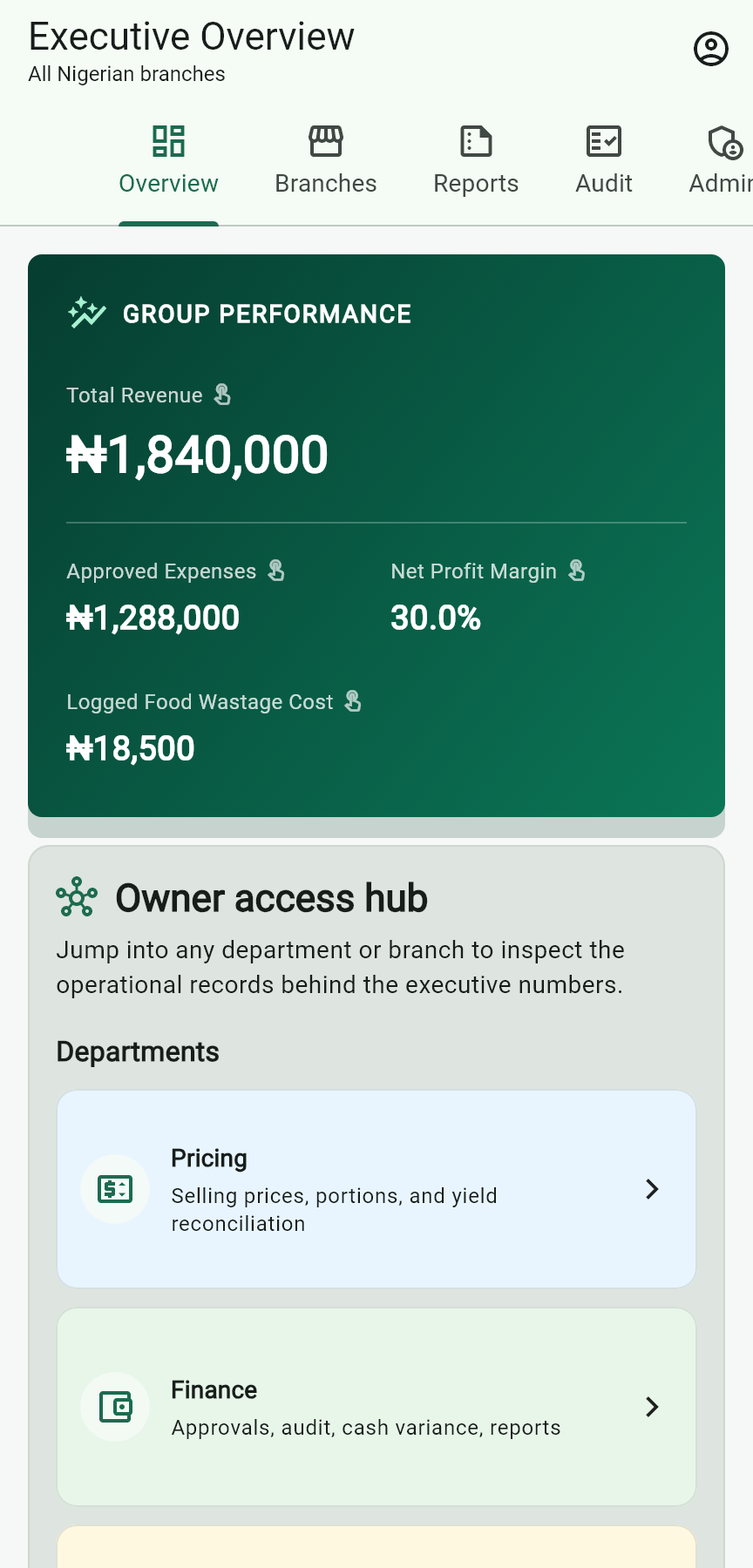
Open your owner workspace to review performance and saved team activity. Follow up on the records that need attention.
Explore the access and security controlsMake it work for your business
Tell us whether you run a restaurant or a wholesale business, how your locations work and who needs access. We’ll discuss the right workspace and setup.
Owners can register in the Android app, choose their company profile and verify their email to begin the introductory trial. The owner then configures staff access. Assisted setup is also available.
We’ll learn how your locations, production teams and approvals work before recommending the right setup.